
Key Takeaways
- Screen use reduces your blink rate, which can cause dry eyes and discomfort.
- Lubricating eye drops (artificial tears) add moisture and can relieve screen-related dryness.
- Preservative-free drops are recommended if you use eye drops more than four times daily.
- The 20-20-20 rule and proper screen positioning can help prevent eye strain.
- See an eye doctor if symptoms persist or you need drops frequently.
- Avoid red-eye relieving drops for dry eye symptoms, as they may worsen the condition.
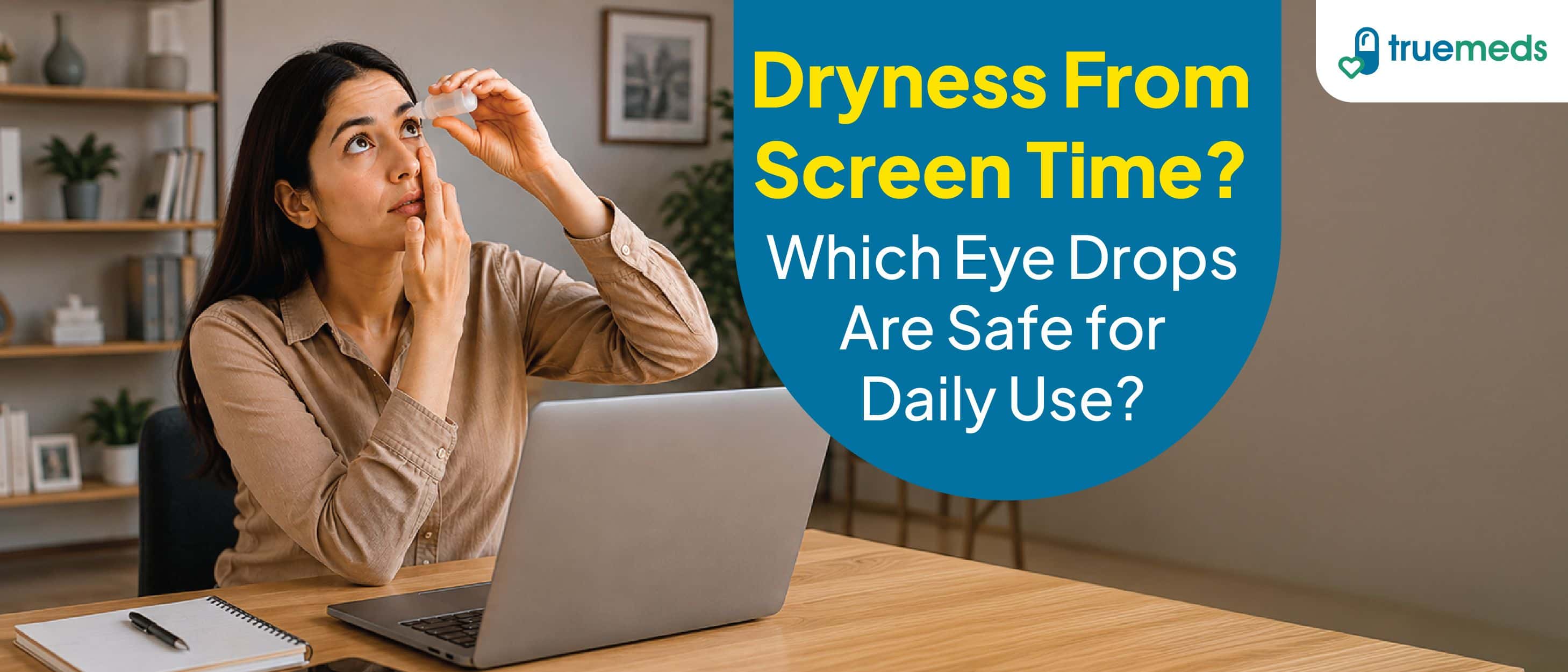
If you spend hours working on a computer or scrolling on your phone, you may notice your eyes feeling dry, gritty, or tired. These symptoms are common, and lubricating eye drops can offer relief for many people. Research shows that computer vision syndrome affects approximately 66% of people who regularly use digital devices[1]. Digital eye strain can affect people of all ages, causing blurred vision, discomfort, and dryness[2]. Understanding which eye drops are safe for daily use can help you find the right solution for your needs.
Why do your eyes feel dry after screen time?
Prolonged screen use can disrupt your natural tear production and contribute to eye discomfort. Understanding how screens affect your eyes can help you care for them better.
How digital screens affect tear production
Blinking is essential for spreading tears evenly across your eyes and keeping them moist. Normally, you blink about 15 times per minute. However, studies show that while using computers and digital devices, your blink rate may drop to just 5 to 7 times per minute[2]. This reduced blinking can cause your tear film to evaporate faster, leaving your eyes feeling dry and uncomfortable.
Common signs of screen-related eye strain
Computer vision syndrome refers to a group of eye- and vision-related problems that can result from prolonged digital device use. Discomfort often increases with an increase in screen time. Common symptoms may include[3]:
- Dry eyes
- Blurred vision
- Headaches
- Pain in neck and shoulders
- Strain in eyes
Do eye drops help with dry eyes and screen fatigue?
Yes, eye drops can relieve screen-related dryness. The most common treatment for mild dry eye is artificial tears, a type of lubricating eye drop[4]. These drops help with computer eye strain by adding moisture to your eyes and supplementing your natural tears. However, eye drops address symptoms rather than the underlying cause[5]. For lasting relief, combining drops with better screen habits is often more effective.
What are lubricating eye drops?
Lubricating eye drops, also called artificial tears, add moisture to your eyes to relieve dry eye discomfort. They help your natural tear film work more effectively by supplementing the moisture your eyes need[5].
How lubricating eye drops work
When you apply lubricating drops, they spread across the surface of your eye, mimicking the action of natural tears. This helps maintain a smooth optical surface, reduces friction when you blink, and provides relief from irritation. The drops may contain ingredients that help stabilise your tear film and prevent rapid evaporation[5].
Who may benefit from using them?
Lubricating eye drops can provide relief for temporary causes of dryness, such as being tired, working in dry or air-conditioned environments, or spending extended time on screens[5]. When used appropriately, they are among the best eye drops for screen fatigue. People who wear contact lenses, work in dusty environments, or live in dry climates may also find them helpful.
Which eye drops are safe for daily use?
Choosing the right eye drops for dry eyes depends on how often you need them and the severity of your symptoms. Not all drops are suitable for frequent use.
Preservative-free vs preserved eye drops
Most eye drops contain preservatives to prevent bacterial growth after opening. However, preservative-free formulations have fewer additives and are usually recommended for people with moderate to severe dry eye. They are often best for those who use artificial tears more than four times a day [5].
A systematic review found no statistically significant difference in clinical outcomes between preservative-free and preserved artificial tears. However, people often report that preservative-free drops feel more comfortable, particularly with frequent use [6].
How often can you use eye drops safely?
For occasional dryness, preserved drops used a few times daily are generally safe. If you find yourself reaching for drops more than four times a day, preservative-free formulations are advisable [7]. Using preserved drops too frequently may irritate your eyes over time.
Consult your eye care provider for guidance on appropriate usage frequency.
Occasional dryness vs chronic dry eyes
Occasional dryness from screen use or environmental factors often responds well to over-the-counter artificial tears. However, chronic dry eye is a persistent condition that may require ongoing management. Once diagnosed, treatment for chronic dry eye may need to continue long-term [8].
If your symptoms persist despite using lubricating drops, you may have an underlying condition that requires professional evaluation.
Other factors to consider before buying
When selecting eye drops, avoid products marketed specifically as "red eye relievers". These are actually decongestants, and while they can make your eyes look less red temporarily, they may worsen dry eye symptoms over time [5].
Look for products labelled as "artificial tears" or "lubricating drops" rather than those designed to reduce redness.
Beyond eye drops: how to reduce computer eye strain
While eye drops can help, adjusting your screen habits and workspace can address the root causes of digital eye strain.
Screen habits that can help protect your eyes
The 20-20-20 rule is a simple technique to reduce eye strain: every 20 minutes, take a 20-second break to look at something 20 feet away[3]. This practice allows your eyes to refocus and encourages regular breaks from screen viewing.
Additional helpful habits include[3]:
- Consciously blinking more often while using screens
- Taking regular breaks from digital devices
- Adjusting screen brightness to match your surroundings
Simple workplace and home adjustments
Proper positioning can significantly reduce eye strain. Sit approximately 25 inches (arm's length) from your computer screen. Position the screen so you are gazing slightly downward rather than straight ahead or upward [9]. This position helps reduce the area of your eye exposed to air, which may slow tear evaporation.
Other adjustments include[2]:
- Reducing glare by adjusting lighting or using screen filters
- Using a humidifier in dry environments
- Ensuring adequate room lighting to reduce contrast with your screen
When should you see an eye doctor for dry eyes?
If you experience persistent dryness or irritation and find yourself relying on over-the-counter lubricants more than two or three times per day, see an ophthalmologist for a comprehensive examination[10].
You should also seek professional care if[11]:
- Symptoms do not improve with artificial tears
- You experience severe pain, redness, or vision changes
- Your dry eyes interfere with daily activities
- You suspect an underlying health condition may be involved
Professional diagnosis is essential to rule out other conditions and determine the most appropriate treatment.
Common mistakes to avoid when using eye drops
Using eye drops incorrectly can reduce their effectiveness or even worsen your symptoms. Here are key mistakes to avoid:
- Overusing preserved drops: Most artificial tears contain preservatives that, when used multiple times daily, may irritate the ocular surface and produce symptoms similar to dry eyes. If symptoms persist despite using drops, preservative toxicity may be contributing [6].
- Using the wrong type of drops: Red-eye relieving drops are not the same as lubricating drops and can worsen dryness over time [5].
- Touching the dropper to your eye: This can contaminate the bottle with bacteria[10].
- Ignoring expiration dates: Expired drops may be less effective or contaminated [7].
FAQs
Do eye drops help with computer eye strain?
Yes, lubricating eye drops can help relieve dryness caused by reduced blinking during screen use. They add moisture to your eyes and help maintain a healthy tear film. However, combining drops with regular screen breaks provides the best results.
What happens if you use eye drops too often?
Overusing preserved eye drops may cause irritation or dry-eye-like symptoms over time. If you need drops more than four times daily, preservative-free formulations are generally recommended to reduce the risk of irritation from preservatives.
Can I use eye drops for dry eyes every day?
Yes, artificial tears are generally safe for daily use. However, if you require them more than four times a day, preservative-free drops are recommended to avoid potential irritation from preservatives.
Are preservative-free eye drops better for daily use?
For frequent users, preservative-free drops are recommended, as they contain fewer additives that could irritate your eyes. While clinical outcomes may be similar, many people find preservative-free options more comfortable with regular use.
How often should I use eye drops for dry eyes?
Use drops as needed for relief. For occasional dryness, a few times daily is typically sufficient. If you find yourself needing drops more than four times a day, consult an eye care professional and consider preservative-free options.
Can screen time cause dry eyes?
Yes, screen use can cause dry eyes by reducing your blink rate. Normally you blink about 15 times per minute, but this may drop to 5-7 times while using digital devices, leading to increased tear evaporation and dryness.
Can using eye drops too often cause problems?
Yes, overuse of preserved drops may cause symptoms similar to dry eyes due to preservative toxicity. Stick to recommended usage, choose preservative-free options for frequent use, and see a doctor if symptoms persist.
Medical Disclaimer
This article is for informational purposes only and does not constitute medical advice. The information provided should not be used for diagnosing or treating health conditions. Always consult a qualified healthcare provider for diagnosis, treatment, and personalised medical advice. Do not disregard professional medical advice or delay seeking it because of information found in this article. If you have a medical emergency, contact your doctor or emergency services immediately.
References
Anbesu, E. W., & Lema, A. K. (2023). Prevalence of computer vision syndrome: A systematic review and meta-analysis. Scientific Reports, 13, 1801. https://pmc.ncbi.nlm.nih.gov/articles/PMC9888747/
American Academy of Ophthalmology. (2024). Computers, digital devices and eye strain. American Academy of Ophthalmology. https://www.aao.org/eye-health/tips-prevention/computer-usage
American Optometric Association. (n.d.). Computer vision syndrome (Digital eye strain). American Optometric Association. https://www.aoa.org/healthy-eyes/eye-and-vision-conditions/computer-vision-syndrome
National Eye Institute. (2025). Dry eye. National Eye Institute. https://www.nei.nih.gov/learn-about-eye-health/eye-conditions-and-diseases/dry-eye